So obviously this is pretty meta, building a wordpress site to teach you how to build a wordpress site, but I’m doing it anyway.
So strap in.
Choosing a domain
Having a website without a domain is like building a house without an address. The first step on wordpress is to choose your domain.
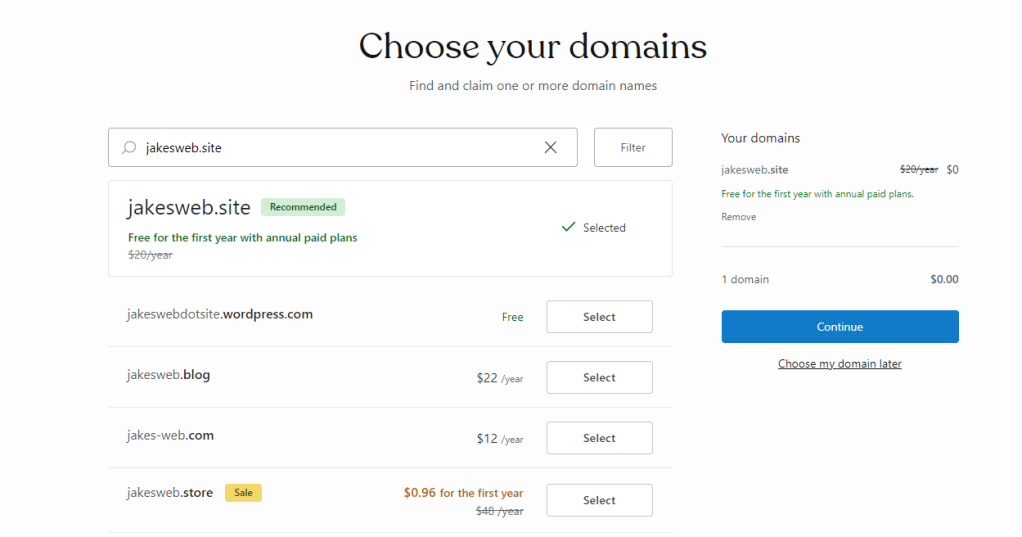
Get creative here. Lots of people have made lots of sites, so finding a spot that hasn’t been taken can be tricky.
Picking a payment plan
Of course, getting a website made and hosted this easy couldn’t come for free. Oh wait it does. While you might not have access to things like fancy premium website themes or the ability to run ads, the free version of wordpress has a surprising amount of features.
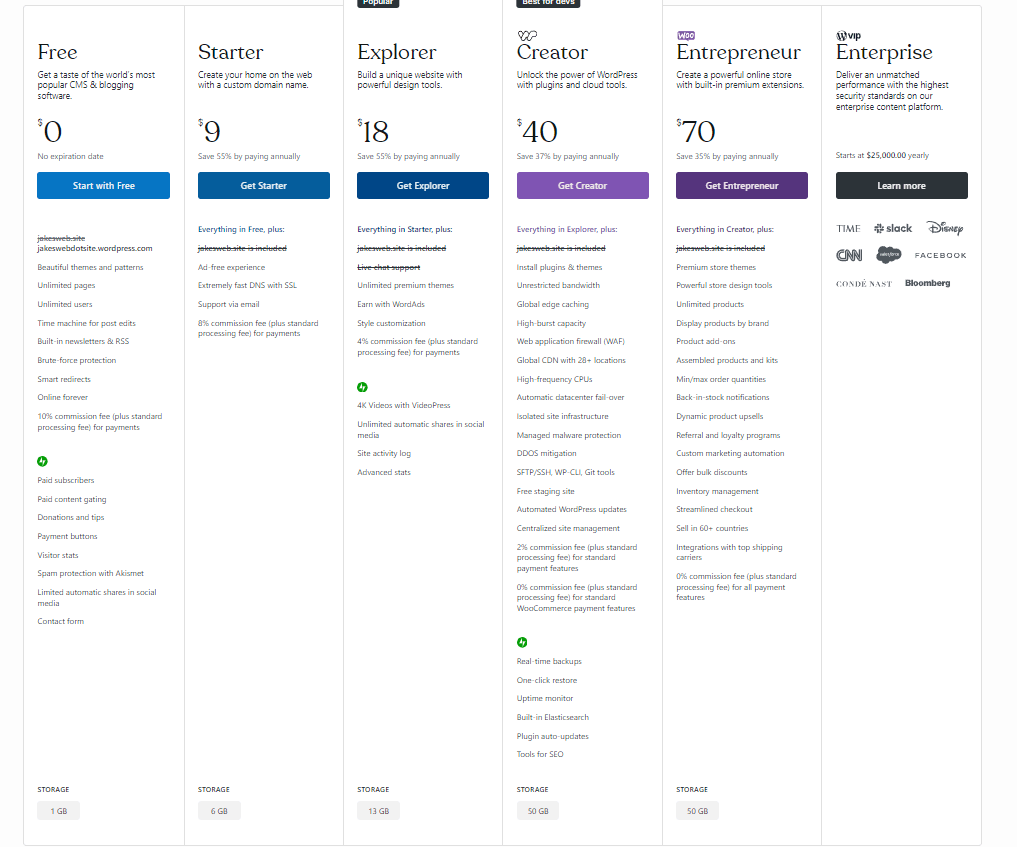
At this point you can choose to stick with the free one, or upgrade to your heart’s desire.
Setting up the site
From here you start to get into the meat of the setup. You can choose how you want to use your site:
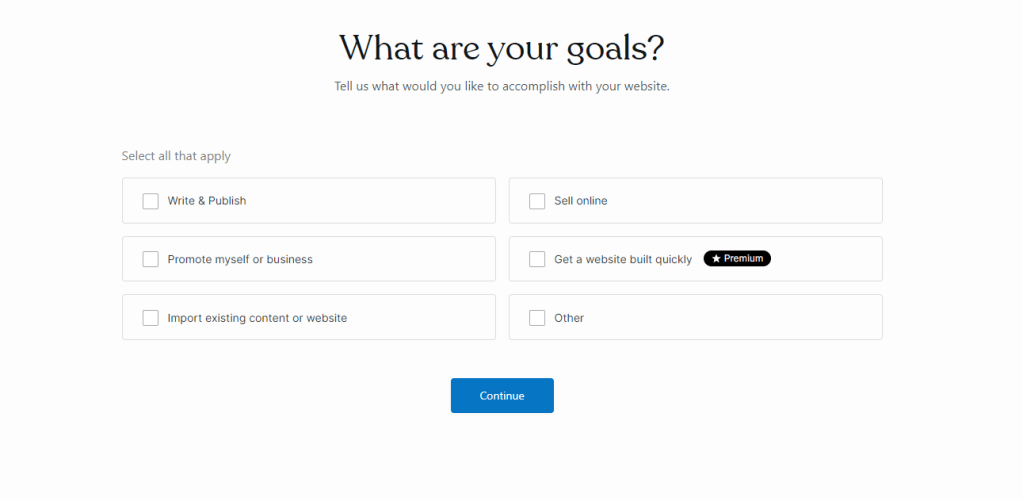
For this site, I chose the “write and publish” option.
After that, you get to name your pet blog:
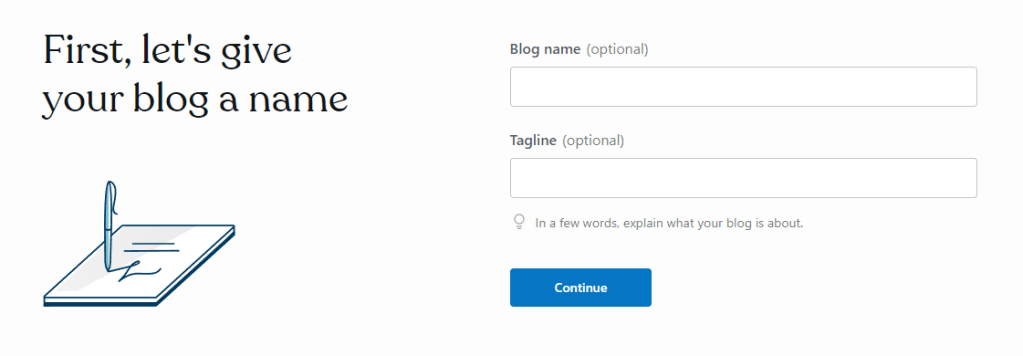
Designing your site
This is the fun part for most of us. This is where you get to flex your design savviness. Or if you’re like me and your brain has been rotted by post-ironic humor, you can choose a theme that looks like mine.
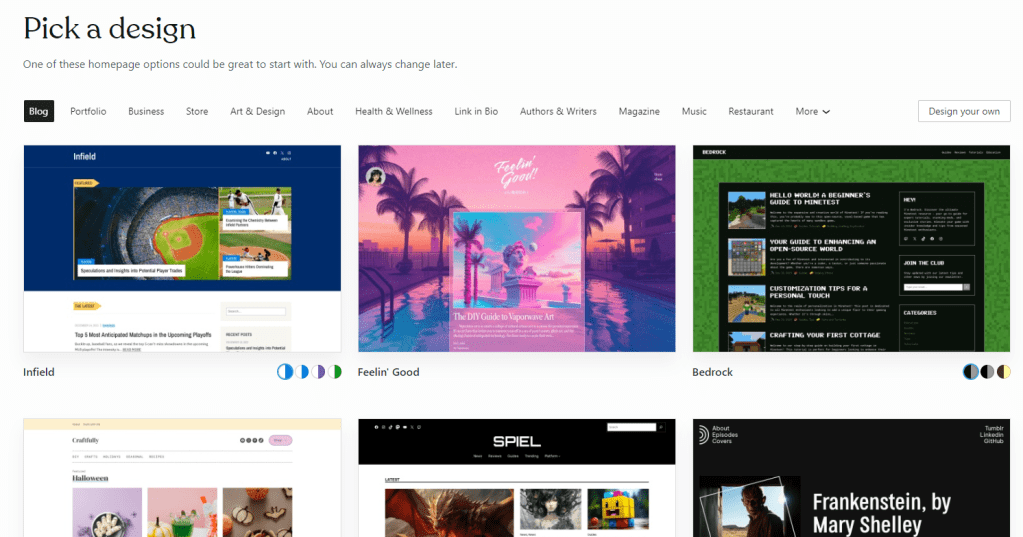
Wow, look how modern and chic all those sites look. I’d be thrilled to host my blog on any one of those. Can’t wait.
Preparing for launch
After you’ve chosen a theme, you’re greeted with this page:
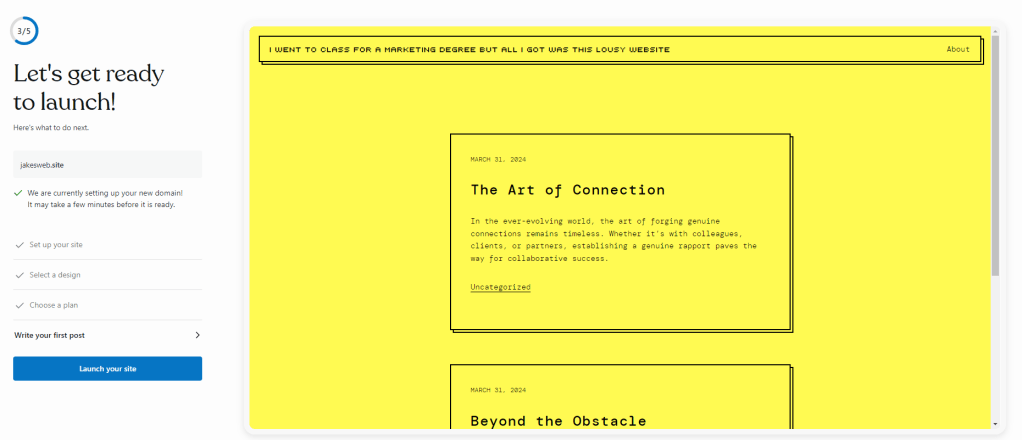
From here, you can start writing your first post. You wouldn’t want to launch a site without anything on it, right?
Before you start, you’ll see a short (but honestly quite helpful) tutorial on how everything works here.
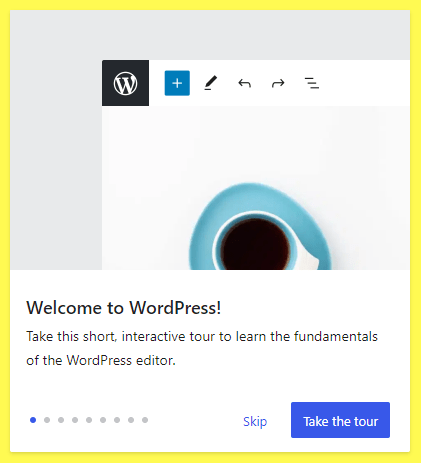
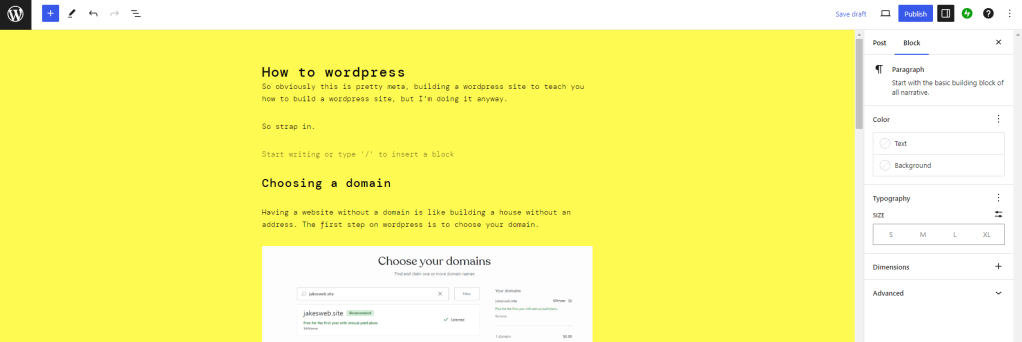
You can click through this, and then start writing. This is what the editing page (the very page I’m writing in now) looks like:
Launching your site
You’ve got your domain, your site name, your theme, and your first post. Nothing left to do but to launch your site and make your own spec of dust in the universe of the internet.
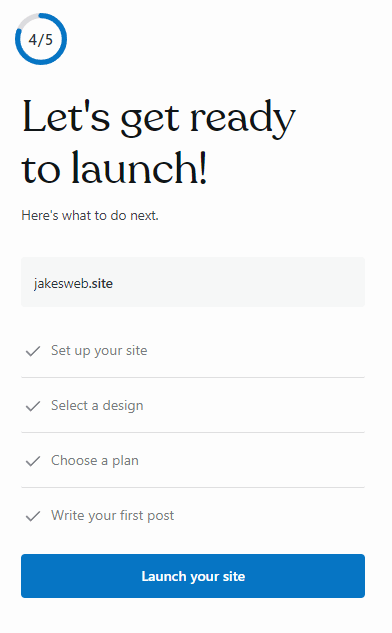
Once you’ve launched, you’ll be taken to your home admin page.

This is where you can do things like add or remove posts, change the design of the site, all that good stuff.
That’s the basics of starting a website. Probably easier than you thought, huh? I know it was way easier than I thought it would be. For the two other people that will ever read this, thanks for sticking around. I’d give you a high five but this is a website and you can’t really high five through websites so clap your hands together and pretend it’s me reaching through the internet.
 i went to class for a marketing degree but all i got was this lousy website
Leave a comment